How to capture network traffic with tcpdump
You are here: Home / How-To / How to capture network traffic with tcpdump How to capture network traffic with tcpdump September 4, 2014 by Unix Tutorial Leave a Comment (Edit)
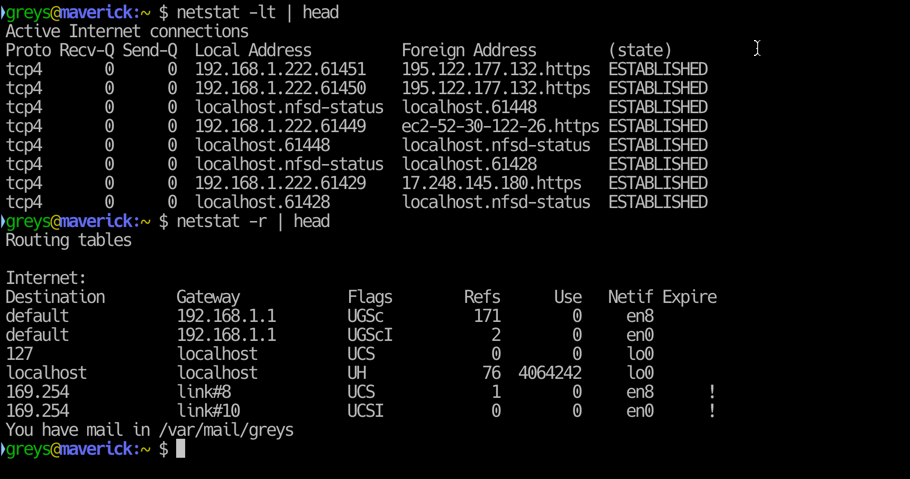

netstat in macOS The netstat command, which stands for “network statistics”, can show you a lot of …

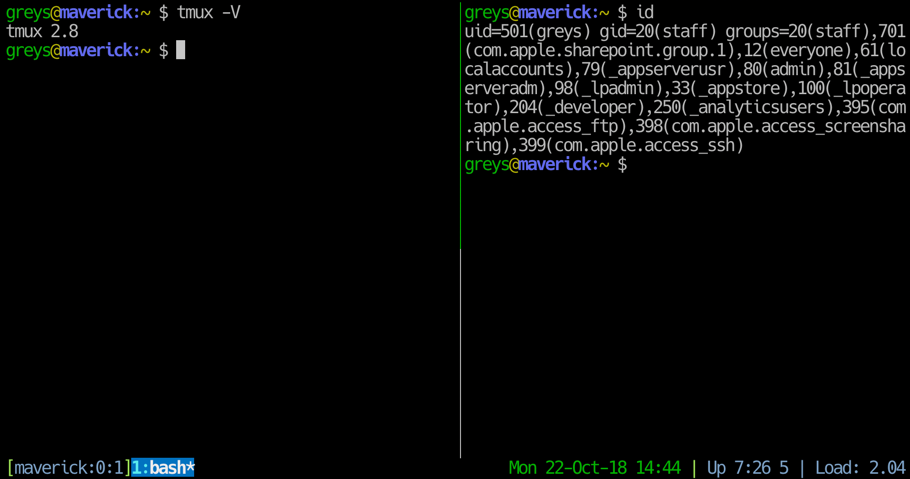
tmux Quite simply, tmux allows you to run multiple terminal command lines at the same time side by side much like …
GRUB bootloader starts up what’s necessary for your Linux or UNIX system to boot up. You can edit its settings, …
Some properties of ext2, ext3, and ext4 file systems on Linux and UNIX can be tuned on the fly using the tune2fs …

The iptables command on Linux allows setting the rules for the Linux built-in firewall to follow when filtering packets …
With tcpdump you can intercept, read, and save TCP/IP packets flowing through a particular network interface. These …

While we mainly install, remove, update and otherwise manage software on Debian and Ubuntu based systems using apt-get, …
The ntop utility is like top for networking. Whereas top shows running processes ntop shows network connections. It can …
The unrar program, which serves to open and extract popular .rar archives, is often available for install from …