How to decrypt files with Ansible Vault
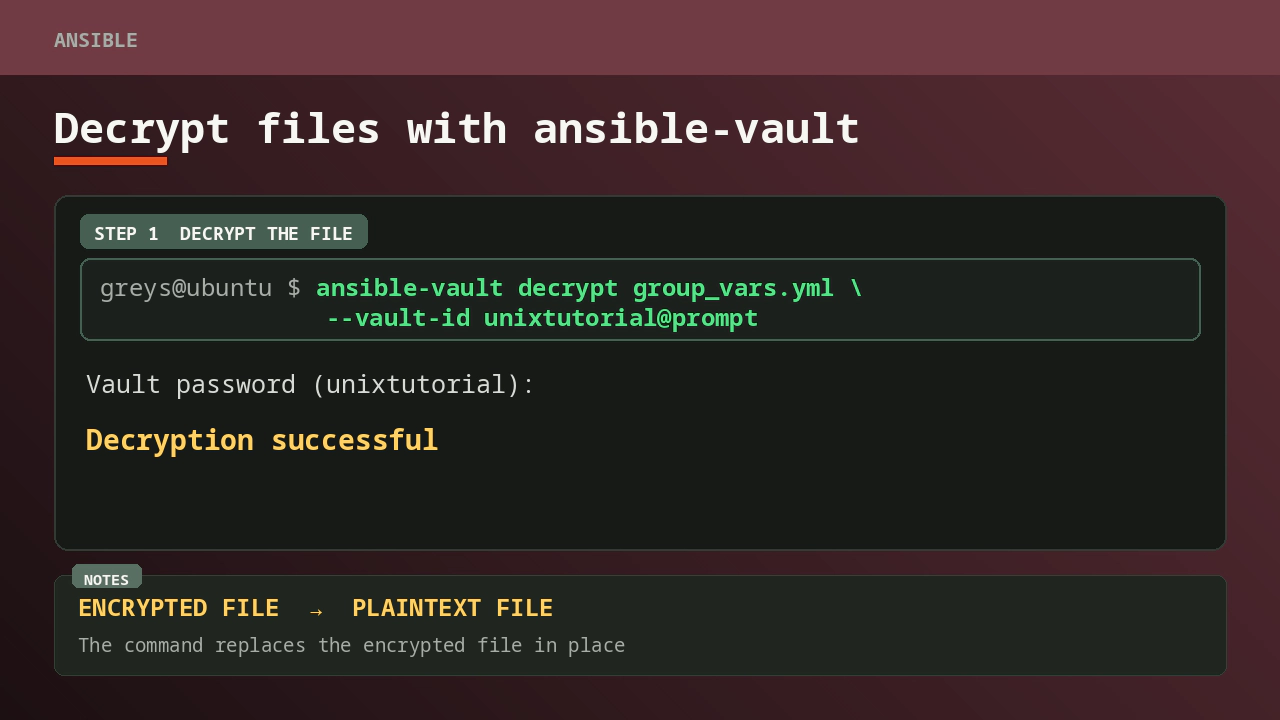
ansible-vault decrypt restores an encrypted file to plaintext. It changes the file in place, so use ansible-vault view first when you only need to inspect the secret. Decrypt it when you need an ordinary plaintext file again.
This walkthrough uses Ansible Core 2.20.1 and the encrypted group_vars.yml file from my guide to encrypting files with Ansible Vault.
Check that the file is encrypted
An Ansible Vault file starts with an $ANSIBLE_VAULT header. This example also records the Vault ID label unixtutorial:
greys@ubuntu $ head -1 group_vars.yml
$ANSIBLE_VAULT;1.2;AES256;unixtutorial
The label helps Ansible choose the right password when a project uses more than one Vault ID. It is not the password.
Display plaintext without replacing the encrypted file
Use ansible-vault view when you only need to read the contents:
greys@ubuntu $ ansible-vault view group_vars.yml --vault-id unixtutorial@prompt
Vault password (unixtutorial):
vault_word: tutorial
vault_identifier: unixtutorial@prompt
view decrypts the content for display and prints the plaintext to the terminal, but it leaves group_vars.yml encrypted on disk. I verified this by comparing the encrypted file before and after the command.
Terminal scrollback, shell recording, CI logs, or a shared screen can still expose the displayed secret. Run this command only in a trusted terminal and clear or close the session when appropriate.
Decrypt the file in place
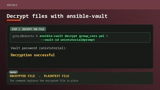
Run ansible-vault decrypt when you want to replace the encrypted file with its original plaintext contents:
greys@ubuntu $ ansible-vault decrypt group_vars.yml \
                 --vault-id unixtutorial@prompt
Vault password (unixtutorial):
Decryption successful
You can now read the file normally:
greys@ubuntu $ cat group_vars.yml
vault_word: tutorial
vault_identifier: unixtutorial@prompt
In this test, the decrypted file matched the original file byte for byte.
Decrypting with a single Vault password
If the file was encrypted without a named Vault ID, use --ask-vault-pass instead:
greys@ubuntu $ ansible-vault decrypt group_vars.yml --ask-vault-passBoth forms prompt for a password. Use the same password that encrypted the file.
Keep plaintext out of Git
decrypt writes plaintext back to the file. Check git status immediately and do not commit the decrypted secret by mistake.
If you only need to inspect a value, prefer ansible-vault view. To change an encrypted file without manually decrypting and re-encrypting it, use:
greys@ubuntu $ ansible-vault edit group_vars.yml --vault-id unixtutorial@promptThe editor works on temporary plaintext and encrypts the updated content when you save and exit. Ansible’s documentation warns that you are responsible for avoiding disclosure from the editor or shell environment, so treat the workstation as part of the security boundary.