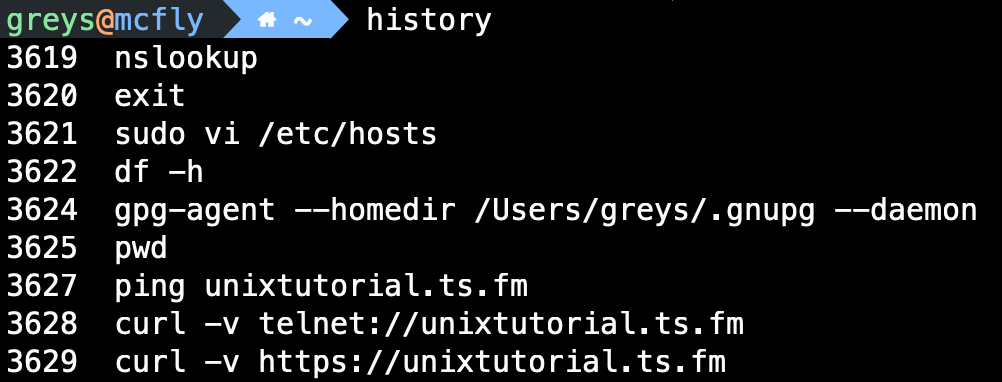
history displays previously executed commands. Essential for recalling and reusing commands.
Synopsis
history [N]
history [OPTIONS]
Examples
Show recent commands
$ history
  501  ls -la
  502  cd /var/log
  503  grep error syslog
  504  history
Show last N commands
Execute command by number
Execute last command
Execute last command starting with…
$ !grep
grep error syslog
Search history
# Ctrl+R for interactive search
(reverse-i-search)`grep': grep error syslog
Show command without executing
History Expansion
| Syntax | Meaning |
|---|
!! | Last command |
!N | Command number N |
!-N | N commands ago |
!string | Last command starting with string |
!?string | Last command containing string |
^old^new | Repeat last, replace old with new |
Argument Expansion
| Syntax | Meaning |
|---|
!$ | Last argument of last command |
!^ | First argument of last command |
!* | All arguments of last command |
!:N | Nth argument of last command |
Examples
$ cat /etc/passwd
$ less !$           # less /etc/passwd

$ cp file1 file2 file3 /backup/
$ ls !*             # ls file1 file2 file3 /backup/

$ echo one two three
$ echo !:2          # echo two
Clear History
# Clear current session
$ history -c

# Clear and delete history file
$ history -c && history -w

# Delete specific entry
$ history -d 502
History Settings
# In ~/.bashrc
export HISTSIZE=10000          # Commands in memory
export HISTFILESIZE=20000      # Commands in file
export HISTCONTROL=ignoreboth  # Ignore duplicates and spaces
export HISTIGNORE="ls:cd:pwd"  # Don't record these
export HISTTIMEFORMAT="%F %T " # Add timestamps
Tips
- Ctrl+R: Interactive reverse search (most useful!)
- Don’t log secrets: Prefix with space to skip history (if HISTCONTROL includes ignorespace)
- Append history:
shopt -s histappend to preserve across sessions - Share history:
PROMPT_COMMAND="history -a; history -n" for multiple terminals
See Also
- fc — Edit and re-execute commands
- alias — Create command shortcuts
Tutorials