curl – transfer data with URLs
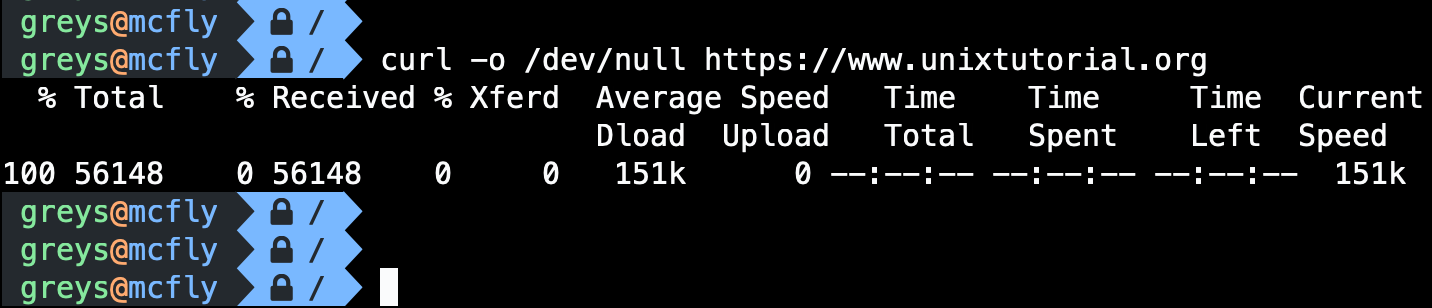
curl transfers data from or to a server using various protocols (HTTP, HTTPS, FTP, etc.). Essential for API testing and downloads.
Synopsis
curl [OPTIONS] URL
Common Options
| Option | Description |
|---|---|
-o FILE | Write output to file |
-O | Save with remote filename |
-L | Follow redirects |
-I | Headers only (HEAD request) |
-X METHOD | Specify HTTP method |
-d DATA | Send POST data |
-H HEADER | Add custom header |
-u USER:PASS | Authentication |
-k | Allow insecure SSL |
-s | Silent mode |
-v | Verbose |
Examples
Basic GET request
$ curl https://example.com
$ curl -s https://api.github.com/users/octocat
Download file
$ curl -O https://example.com/file.zip
$ curl -o myfile.zip https://example.com/file.zip
Follow redirects
$ curl -L https://short.url/abc
Get headers only
$ curl -I https://example.com
HTTP/2 200
content-type: text/html
POST request
$ curl -X POST -d "name=John&[email protected]" https://api.example.com/users
POST JSON
$ curl -X POST \
  -H "Content-Type: application/json" \
  -d '{"name": "John", "email": "[email protected]"}' \
  https://api.example.com/users
Authentication
$ curl -u username:password https://api.example.com/protected

# Bearer token
$ curl -H "Authorization: Bearer TOKEN" https://api.example.com/data
Upload file
$ curl -X POST -F "[email protected]" https://api.example.com/upload
Custom headers
$ curl -H "Accept: application/json" \
       -H "X-API-Key: abc123" \
       https://api.example.com/data
HTTP Methods
$ curl -X GET https://api.example.com/users
$ curl -X POST -d '{}' https://api.example.com/users
$ curl -X PUT -d '{}' https://api.example.com/users/1
$ curl -X DELETE https://api.example.com/users/1
$ curl -X PATCH -d '{}' https://api.example.com/users/1
Common Patterns
Save response and headers
$ curl -D headers.txt -o response.json https://api.example.com
Timing information
$ curl -w "\nTime: %{time_total}s\n" https://example.com
Check if URL is reachable
$ curl -s -o /dev/null -w "%{http_code}" https://example.com
200
Download with progress
$ curl -# -O https://example.com/largefile.zip
Resume download
$ curl -C - -O https://example.com/largefile.zip
Tips
- Use -s for scripts: Silent mode removes progress meter
- Always use -L: Most URLs redirect
- Use jq for JSON:
curl -s api.example.com | jq . - Save cookies:
-c cookies.txtand-b cookies.txt - Test APIs: Consider
httpiefor more readable output



