Unix Tutorial
  • COMMANDS
    Advanced Unix Commands Basic Unix Commands Linux Commands macOS Commands Solaris Commands
  • VIDEOS
  • REFERENCE
    SSH SElinux tmux Ansible Docker
  • PROJECTS
  • GLOSSARY
  • SOFTWARE
    Homebrew macOS RedHat Linux
Home / Categories / How to

How To

07 Feb 2020 2 minutes read
R
  • How-To

Resume Downloads With Curl

If you’re on an unstable WiFi hotspot or simply forgot about a curl download and shut down your laptop, …

Read Full Article
31 Jan 2020 2 minutes read
H
  • How-ToNews

How to Extract XZ Files

XZ archives can be unpacked using XZ utils

I’ve come across XZ files more than once, most recently when downloading Kali Linux. It should be a fairly common …

Read Full Article
10 Jan 2020 4 minutes read
H
  • How-ToSecurity

How To: Use Fail2ban to Protect SSH

fail2ban software

I have a number of servers, including a few on the home office network, that accept SSH connections. Even though they …
Read Full Article
26 Dec 2019 2 minutes read
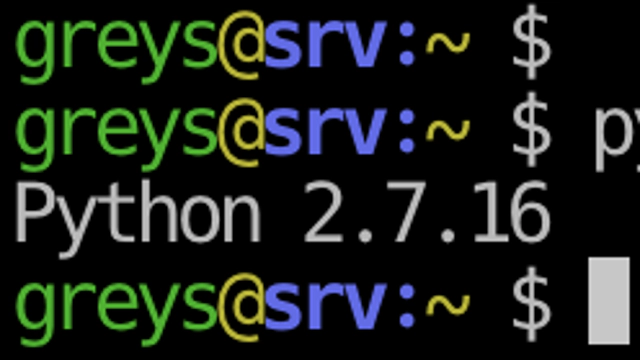
Check Python Version
  • pythonhow-to

Check Python Version

Check Python Version As you improve your basic Python skills, you’re going to find out (usually the hard way) that …

Read Full Article
23 Dec 2019 3 minutes read
I
  • How-ToMac OS

Install Jekyll 4 in MacOS

**Jekyll 4** This is a fairly straightforward procedure, I just want to capture it here for my own future use.
Read Full Article
20 Dec 2019 1 minutes read
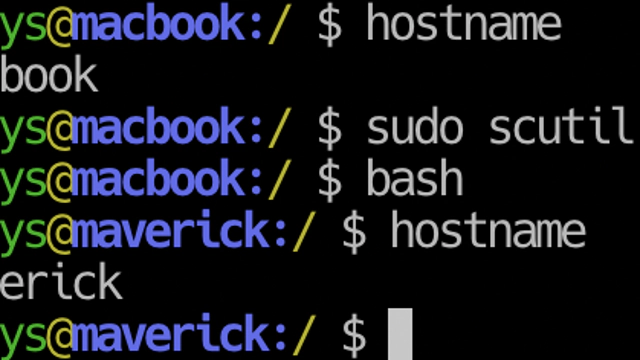
Change Mac Hostname with scutil command
  • how-tomacos

Change Mac Hostname With Scutil

Change Mac Hostname with scutil tandard command like hostname will still work in macOS, but perhaps it’s best to …
Read Full Article
17 Dec 2019 3 minutes read
P
  • Advanced topicsHow-To

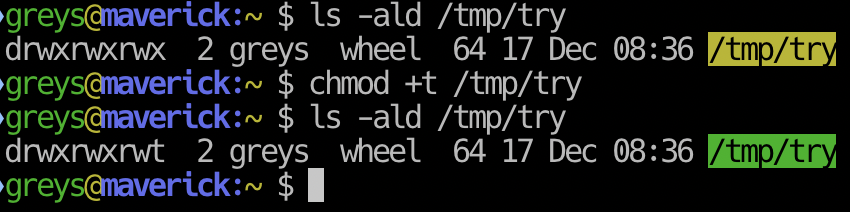
Protecting Directories With Sticky Bit

sticky bit on /tmp/try directory

One of the least used and usually forgotten features in Linux/Unix filesystems, sticky bit is a great way to manage …

Read Full Article
14 Dec 2019 2 minutes read
U
  • Basic stuffHow-ToUbuntu

Ubuntu – Static IP

I’m finishing up the VM based Ubuntu 19.10 setup and decided to make a few screenshots to test new workflow.

Read Full Article
11 Dec 2019 2 minutes read
H
  • Basic stuffHow-ToScripts

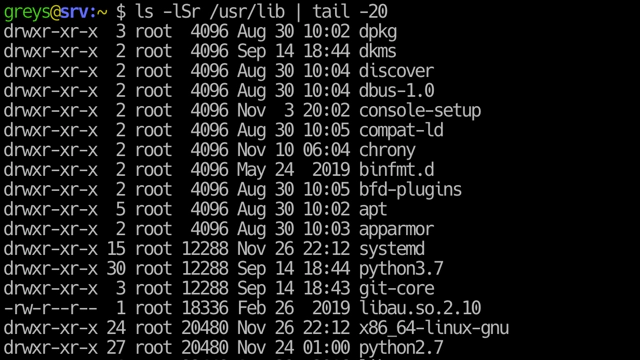
How to Confirm Symlink Destination

Back to basics day: a very simple tip on working with one of the most useful things available in Unix and Linux …
Read Full Article
02 Dec 2019 3 minutes read
Sorting ls output by file size
  • how-tols

Sort Files by Size With Ls

I love reading man pages for even the most basic Unix commands like ls, because there’s always something …
Read Full Article
  • 1
  • 2
  • 3
  • 4
  • 5

Get in Touch

IT Consultancy

I'm a principal consultant with Tech Stack Solutions. I help with cloud architectrure, AWS deployments and automated management of Unix/Linux infrastructure. Get in touch!

Search

Recommended

Agentic Coding School

Educative

Recent Articles

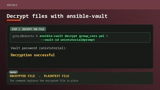
The ansible-vault decrypt command followed by its successful decryption result

How to decrypt files with Ansible Vault

ansible-vault decrypt restores an encrypted file …
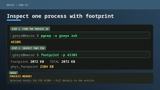
A two-step terminal guide using pgrep to find a PID and footprint to inspect that process

Just discovered the macOS footprint command

I’ve administered Linux systems for around 25 …
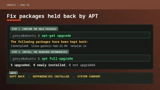
APT showing held-back Ubuntu packages followed by apt full-upgrade resolving them

How to Fix Ubuntu Packages Held Back

When trying to run do-release-upgrade on an Ubuntu …
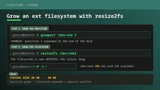
A Linux filesystem growing from 20GB to 40GB with growpart and resize2fs

How To Resize Filesystem with resize2fs

Quick note on filesystem resize on a typical …

macOS Tahoe

macOS Tahoe

macOS Tahoe is the upcoming major release of macOS …
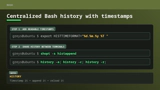
Bash history configuration for readable timestamps shared between terminal sessions

Centralized Bash history with timestamps

BASH is my Linux shell of choice (it’s zsh on …
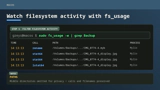
The macOS fs_usage command showing filtered filesystem activity

Inspect filesystem operations with fs_usage in macOS

hey Unless you disable SIP, most of DTrace based …

Unix Tutorial
  • About
  • Sitemap
  • UnixTutorial.RU
  • Tech Stack
  • Tech Stack AI
© 2026 Unix Tutorial